

You don’t need to be a tech nerd to get hit by malware. One wrong click, and suddenly your screen’s frozen, your data’s leaking, or your laptop sounds like it’s about to lift off. Malware doesn’t care if you’re running a billion-dollar business or just browsing cat memes. If your device’s guard is down, it’s fair game. This article is your no-fluff guide to malware and its horror.
Malware Isn’t Always Loud
You might picture malware as something dramatic, your screen flashing red or files vanishing. But most of the time, it works quietly. It sneaks in through a sketchy link, a free download, or even a fake email from your “bank.” You think everything’s fine until your apps start glitching or your browser redirects you to some shady site. Malware is just malicious software that gets into your system without your permission. And it doesn’t always announce its arrival. Think of it like a bad tenant: it moves in, wrecks the place, and steals your stuff, without paying rent.
What You Should Actually Worry About
There are several types of malware floating around, but some are more common than others. First, there are viruses that attach to files and spread when you open them. You may also deal with worms moving through networks on their own, or even ransomware that locks your data and demands cash. Not to mention, some people are often attacked by spyware that keeps tabs on everything they do. Now, what about adware? Well, it might just look annoying, but it often opens the door to bigger problems. These pests don’t just slow things down. They steal, destroy, and sometimes hold your digital life hostage.
Why You Really Need to Update More Often
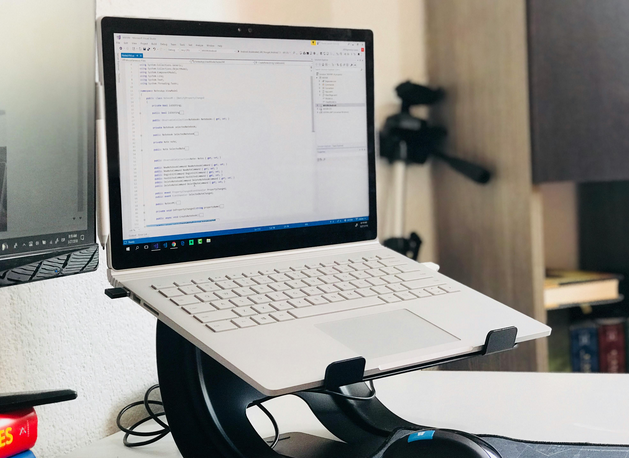
Think of software updates like changing the batteries in a smoke alarm. Nobody enjoys it, but skip it too long, and you’ll regret it. Every “Update Available” message is usually patching up something that could be exploited. Hackers literally scan for outdated systems because they’re easy targets. If you’re constantly clicking “Remind me later,” you’re basically rolling out the welcome mat. Keep your software, such as OS, browsers, and apps, current. Yes, we mean all of them.
Antivirus Is Helpful, But Habits Matter More
Antivirus programs are like seatbelts: essential, but not foolproof. They help, but they won’t save you if you’re constantly clicking on random links or downloading shady files. Good habits include not reusing passwords across accounts and enabling two-factor authentication. It’s also a must to stay away from public Wi-Fi if you’re accessing sensitive stuff (unless you use a VPN). Then, being suspicious of attachments is also necessary, even if they’re from a friend who says, “Check this out!” Also, don’t forget your phone. Mobile malware is growing fast, especially with all the app downloads and mobile banking.
Your device acting up doesn’t always mean it’s tired. If things start running slowly, random pop-ups appear, or apps crash constantly, there’s a chance malware is behind it. Step one? Disconnect from Wi-Fi. Step two? Run a security scan. Step three? Ask for help if you need it. Don’t try to fix something you’re unsure about because it could make things worse.